

Working a Call
The call workspace: follow the script, fill the form, and let the AI keep up with the conversation.
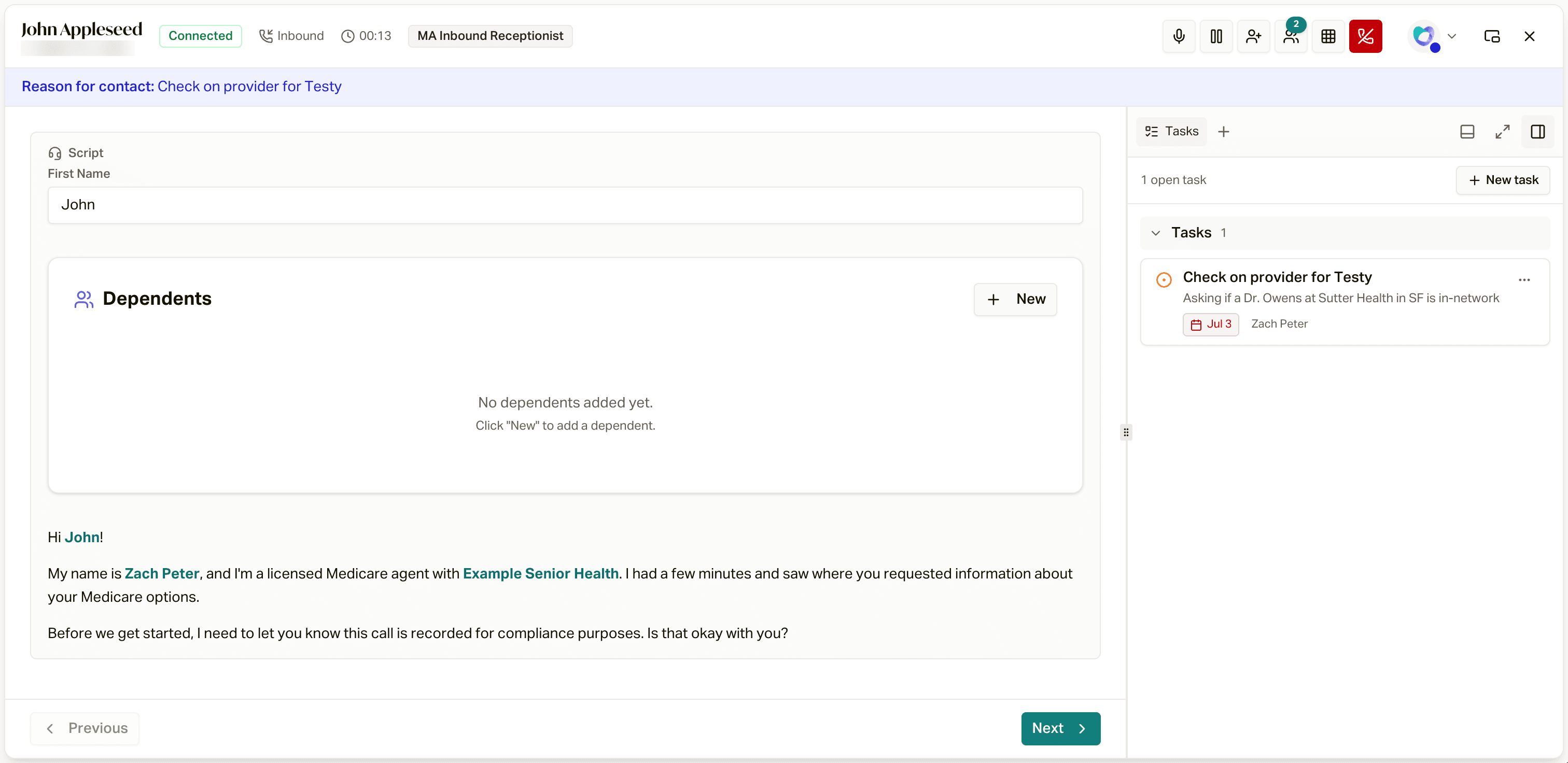
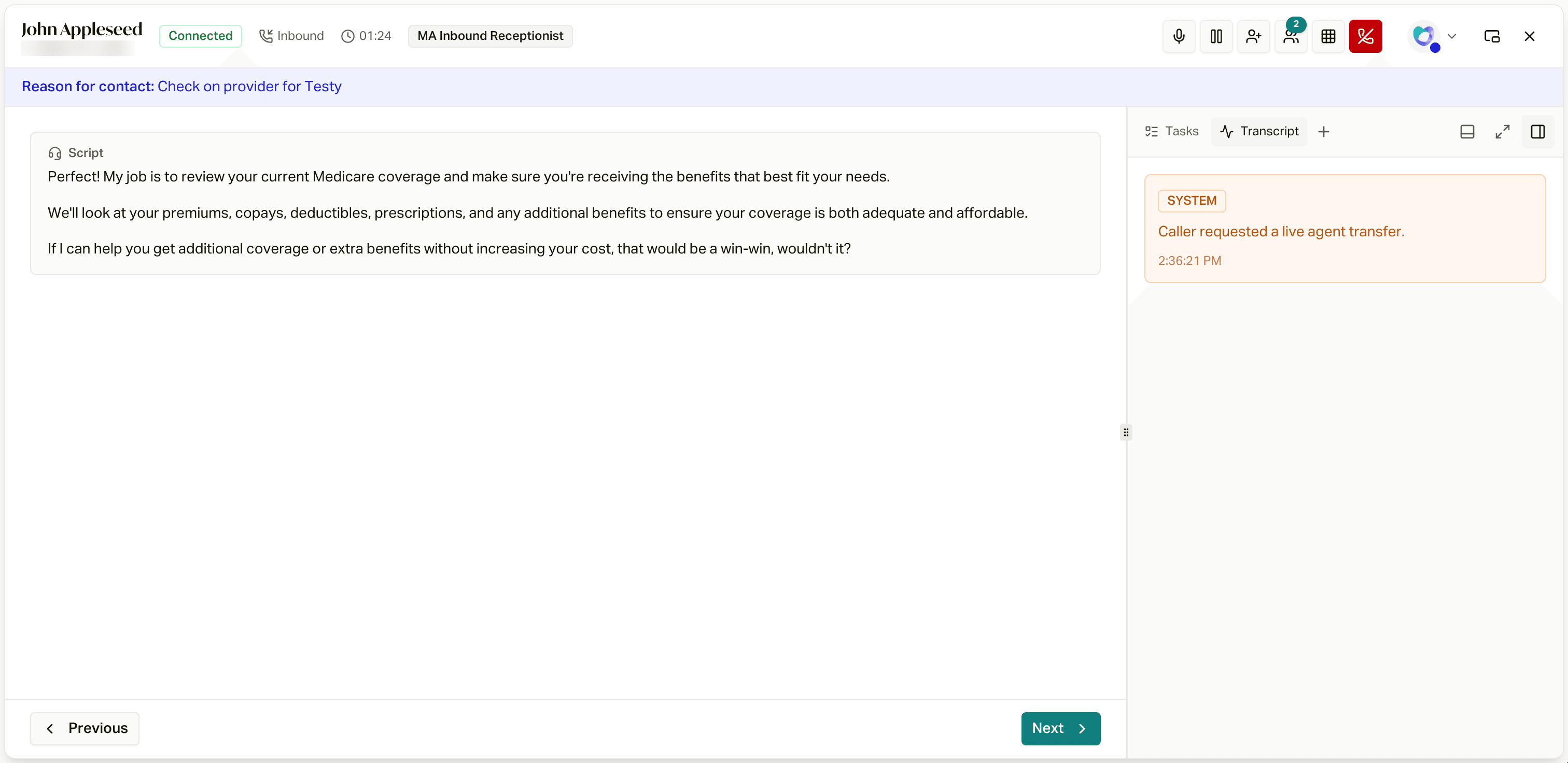
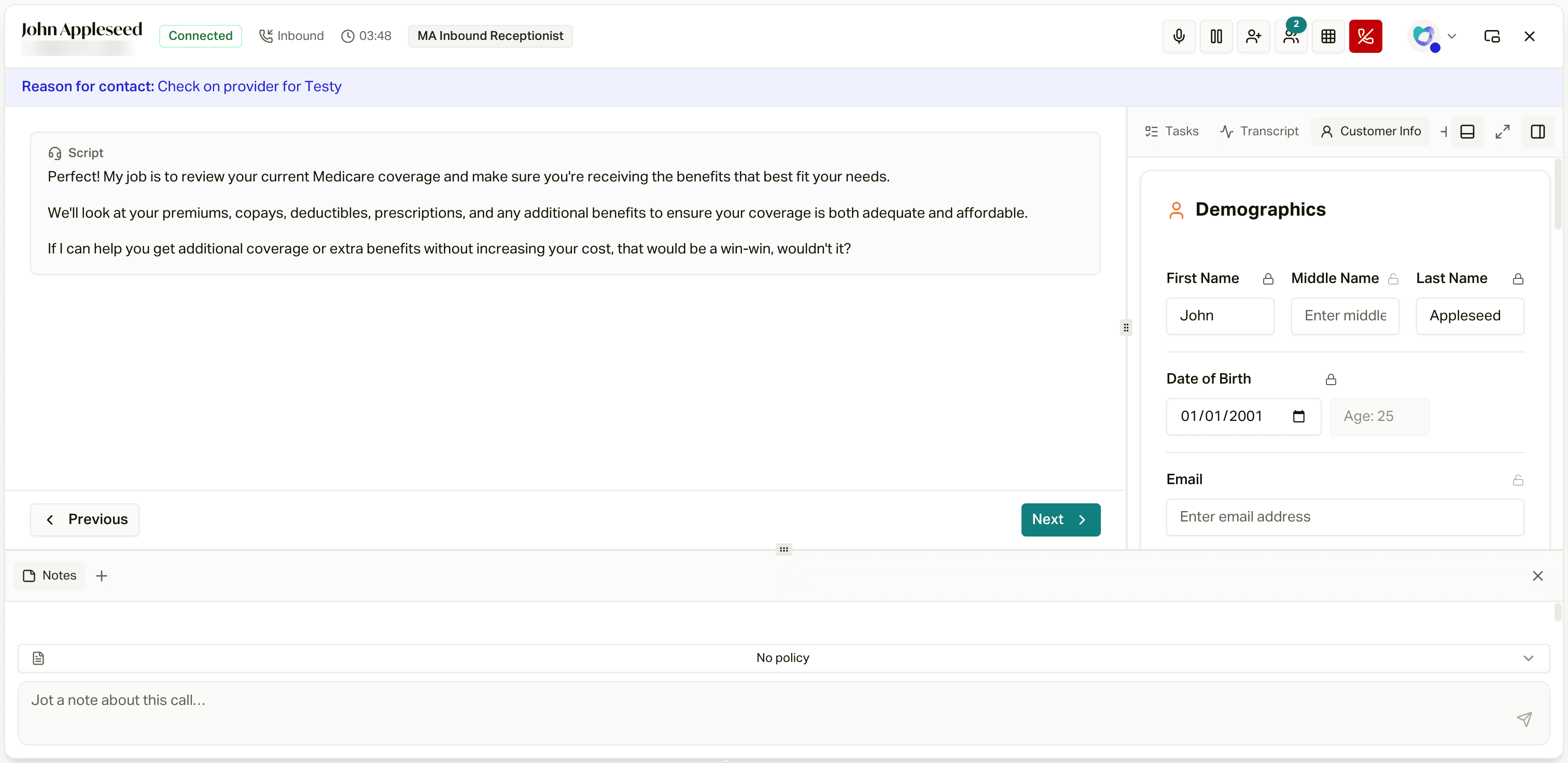
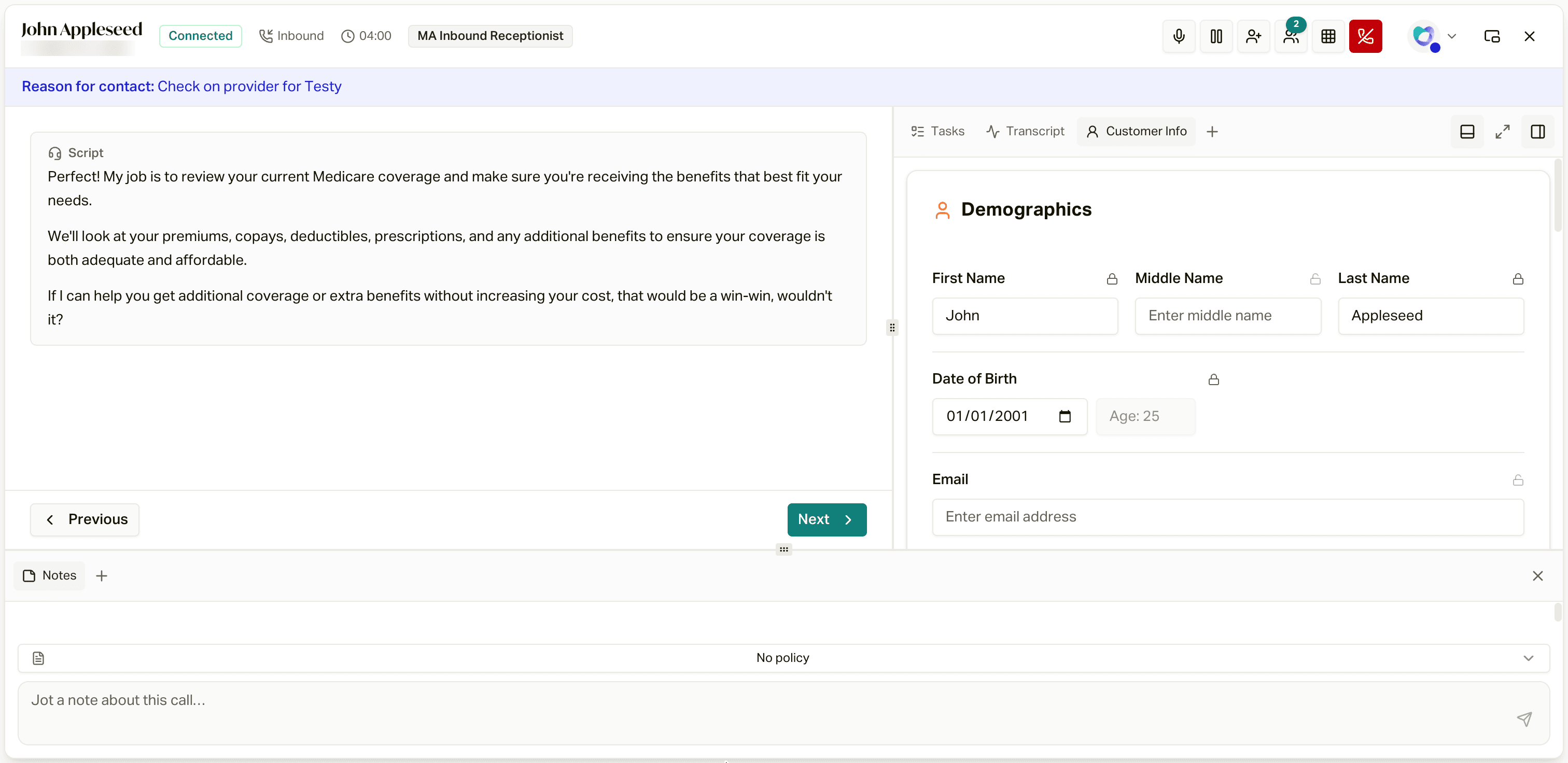
When a call connects, careCycle opens the call workspace: the script and form for this call in the center, with everything else you might need one keystroke away.
The Header
The top of the workspace shows who you are talking to, the connection status, and a running call timer, alongside your call controls:

From left to right:
- Mute / Unmute
- Hold / Resume (not available during a private transfer consult)
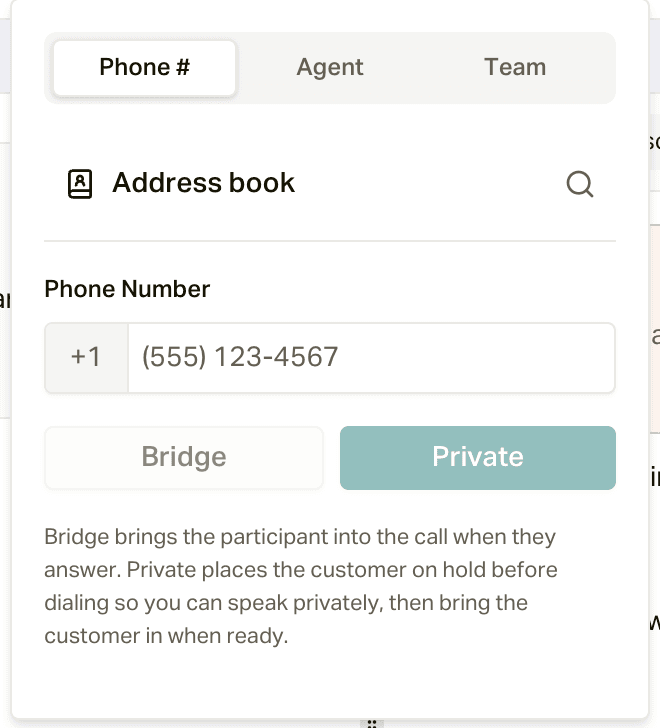
- Add someone to this call: a phone number (with your address book of carriers and Medicaid lines), another agent, or a team. Pick Bridge to bring them straight in, or Private to put the customer on hold, talk first, then bring the customer in.
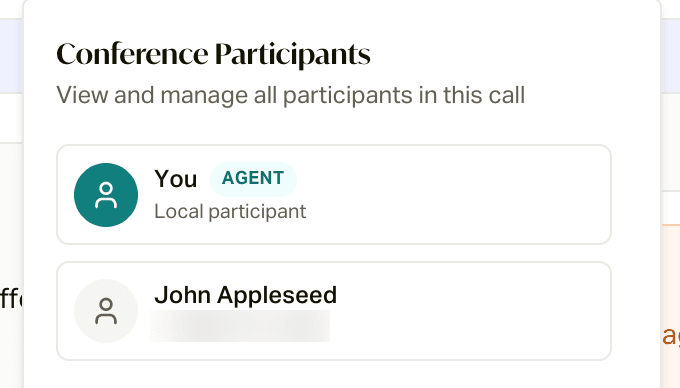
- Participants: everyone on the call right now.
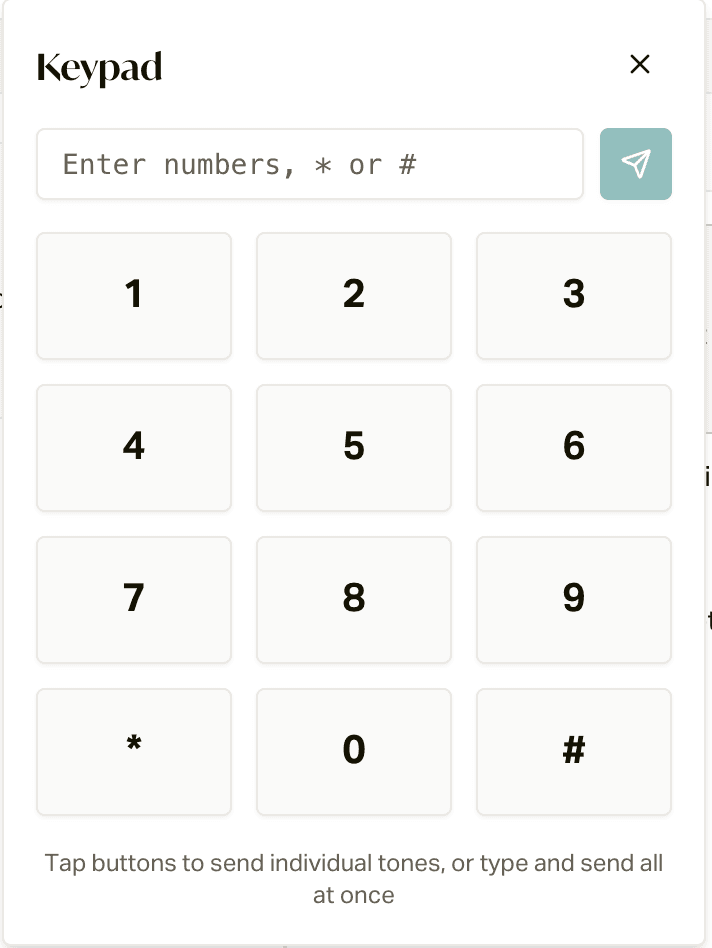
- Keypad, for IVR menus. Tap keys one at a time, or type a string and send it all at once.
- Hang up (if you started a private transfer, bring the customer back in or cancel the transfer first)
Next to your avatar, Pop out script opens the script in its own small floating window and takes you back to the app, so you can keep reading while you look something up. The X in the corner does not end the call either: it returns you to the app with the call still connected.
If the call came from a member with an open task, a Reason for contact banner under the header tells you why before you say a word.
The Script
If a script is assigned to this call, it renders in the center, one section at a time with Previous and Next:
- Script cards (marked with a headset icon) are what you say, with the member's details already filled into the wording.
- Fields are what you capture. Required fields are marked, and Next will not advance until they are filled. Everything you type saves to the customer's record continuously; there is no submit button to forget.
- Smart blocks handle the structured stuff: address lookup with autocomplete, prescriptions, provider search by name or NPI, dependents, and policies.
While you talk, the AI listens to the transcript and fills fields for you; a small "Updating script from the conversation..." pill appears when it does. It only ever fills empty fields: anything the record already knew, or anything you typed yourself, is locked against AI changes.
Some forms branch: answers in one section decide which section comes next, so just keep following Next.
The Panels
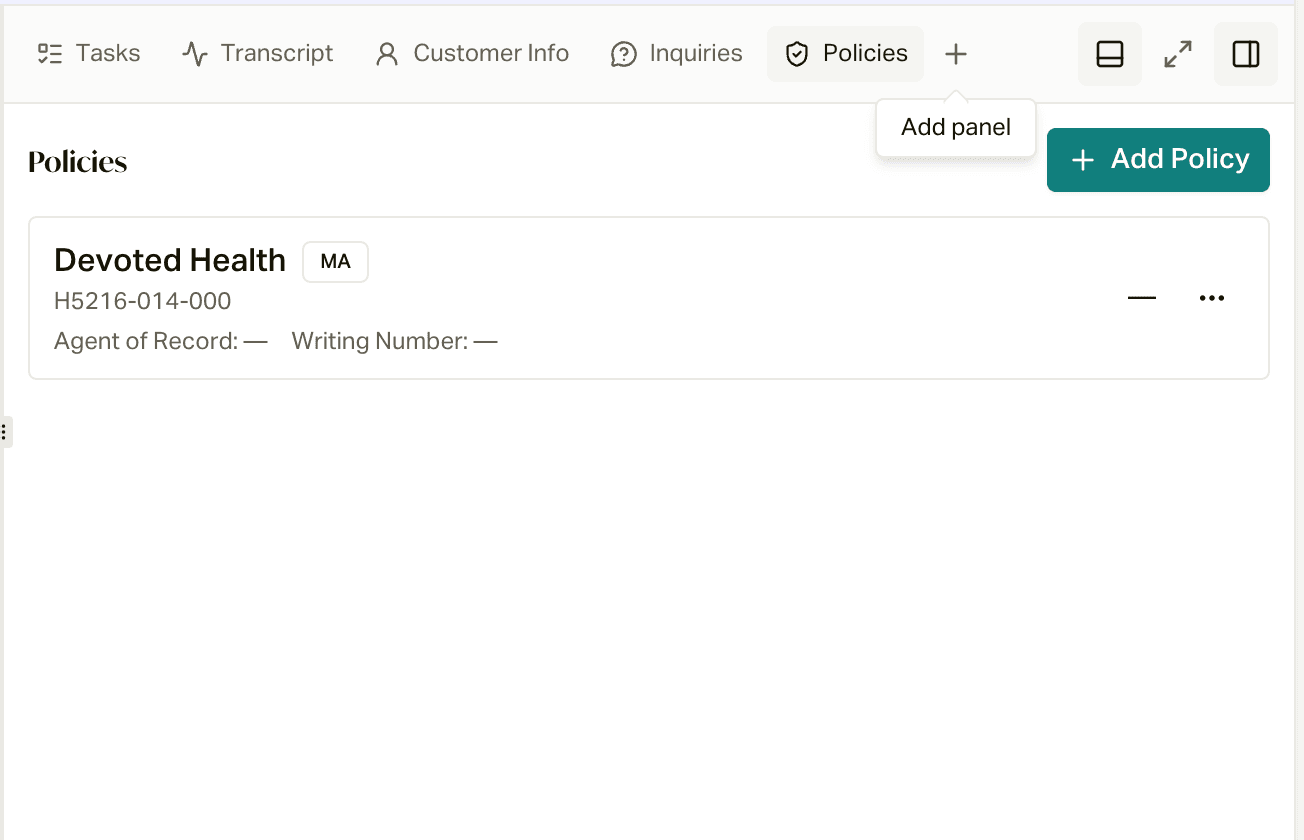
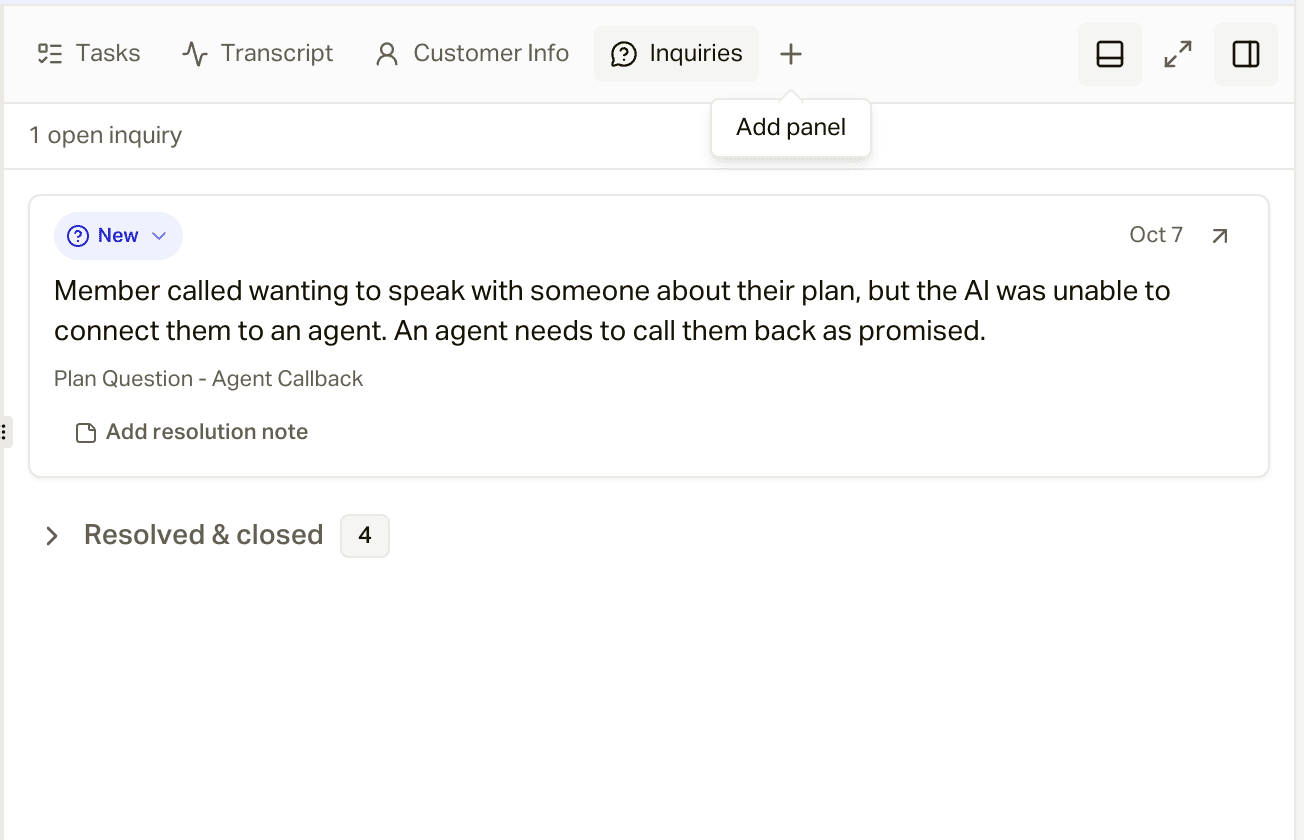
Everything else about the member lives in panels. Click + to add one:
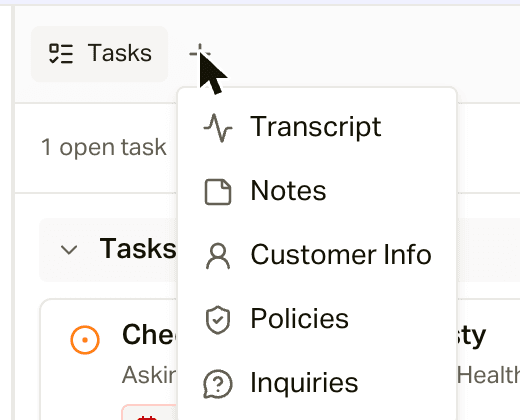
There are six, and each has a keyboard shortcut (Option on a Mac, Alt on Windows):
| Shortcut | Panel | What's in it |
|---|---|---|
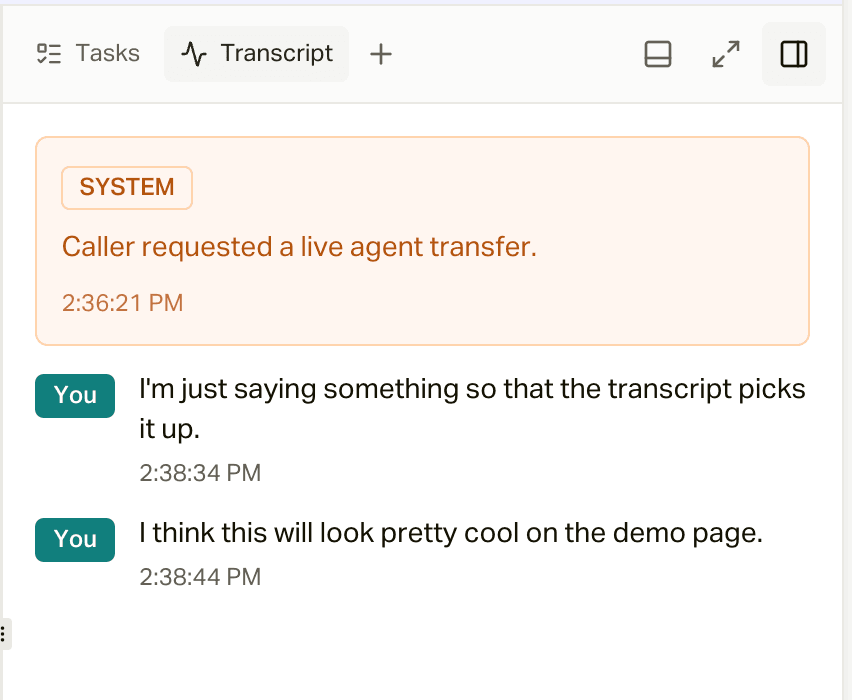
| ⌥1 | Transcript | The live conversation, with your lines marked "You" and the AI's handoff note at the top |
| ⌥2 | Notes | Call notes. They save to the customer's Inbox thread so the whole team sees them |
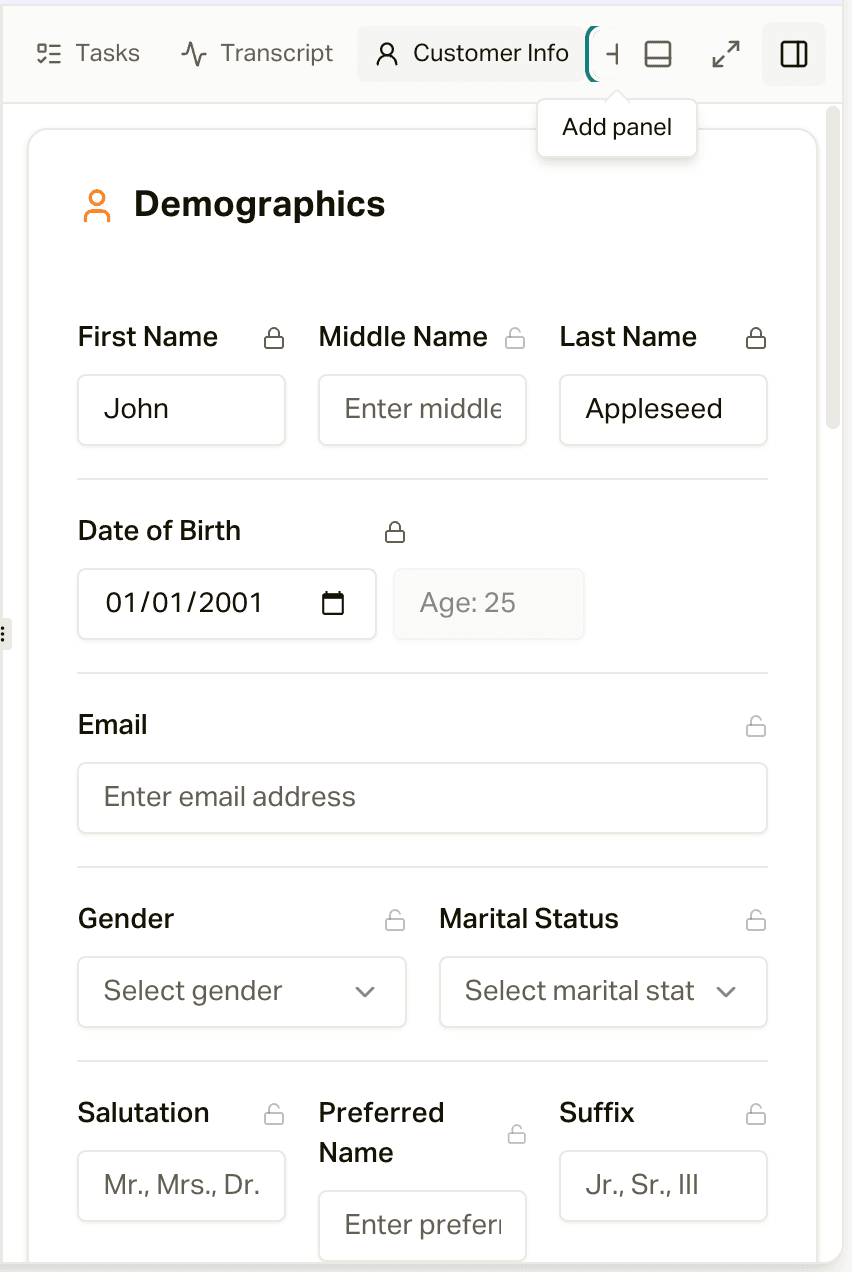
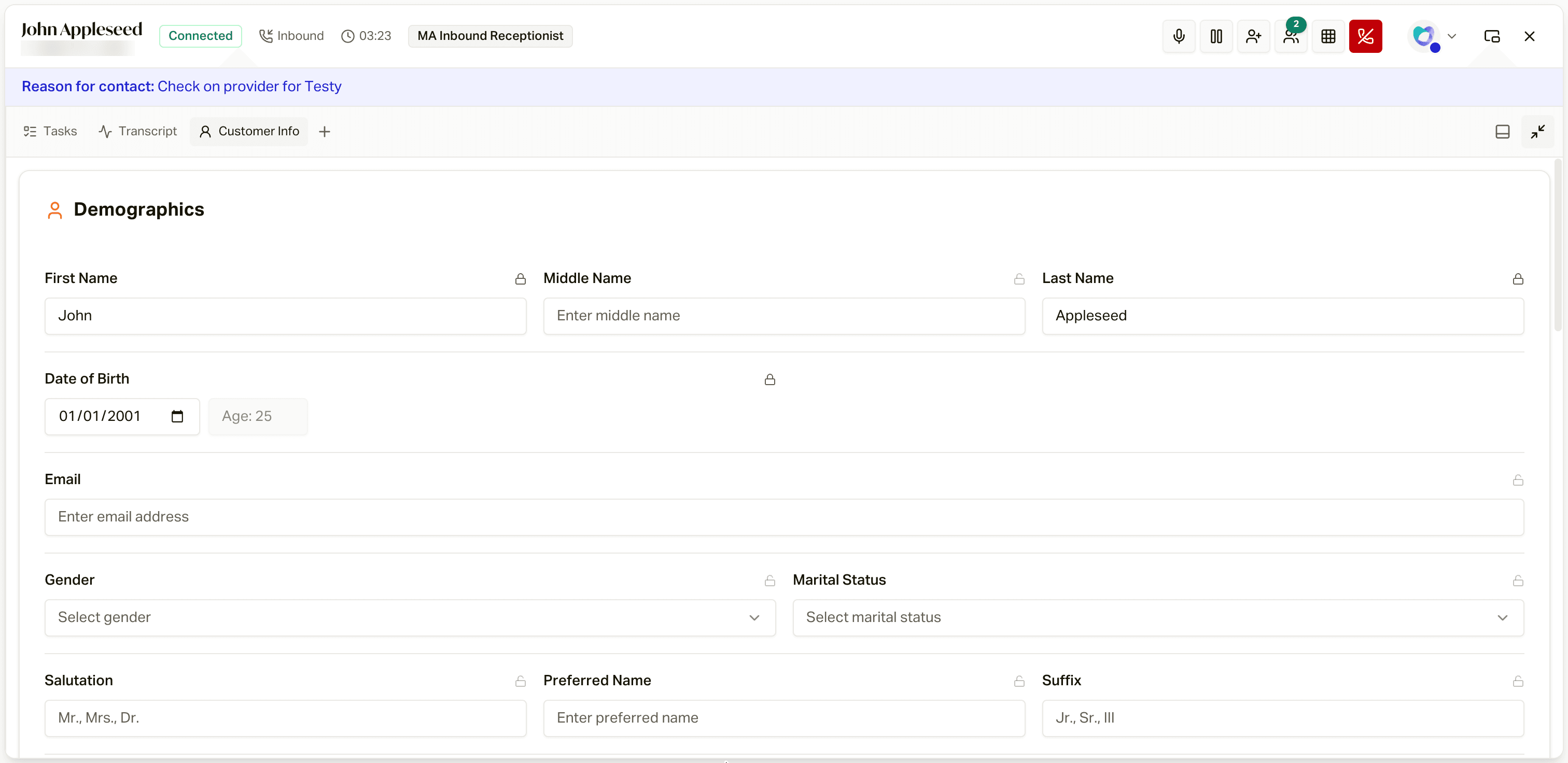
| ⌥3 | Customer Info | The editable demographics, address, financial, and dependents cards |
| ⌥4 | Policies | The member's policies, with Add Policy |
| ⌥5 | Tasks | Open tasks for this member, with New task |
| ⌥6 | Inquiries | Open and resolved inquiries, with a spot to add a resolution note |
Press a shortcut to open a closed panel (it opens focused). If the panel is already open but not focused, the shortcut jumps to it. If it's focused, the shortcut closes it.
Arrange it your way
Set the workspace up however you like to work. careCycle remembers your layout and sizes for the next call.
- Resize: drag the handle between the form and the panels to make either side wider.
- Dock at the bottom: click the bottom-panel icon in the panel bar to open a full-width area under the form, then add a panel there (or drag a tab down into it). Notes works great down there.
- Rearrange: drag panel tabs to reorder them, move them between the side and the bottom, or stack two in the sidebar.
- Expand: the expand icon makes the panel area take over the workspace. Click it again to shrink it back.
When the call ends, the wrap-up banner takes over.